Smart Access
A dedicated Mac app line for browsing, organizing, previewing, sharing, and downloading cloud files without the usual browser clutter.

Dedicated app or Finder access.
Atvra builds two ways to work with Dropbox and OneDrive on Mac: Smart Access for a focused app, and Quikoo for direct access from Finder.
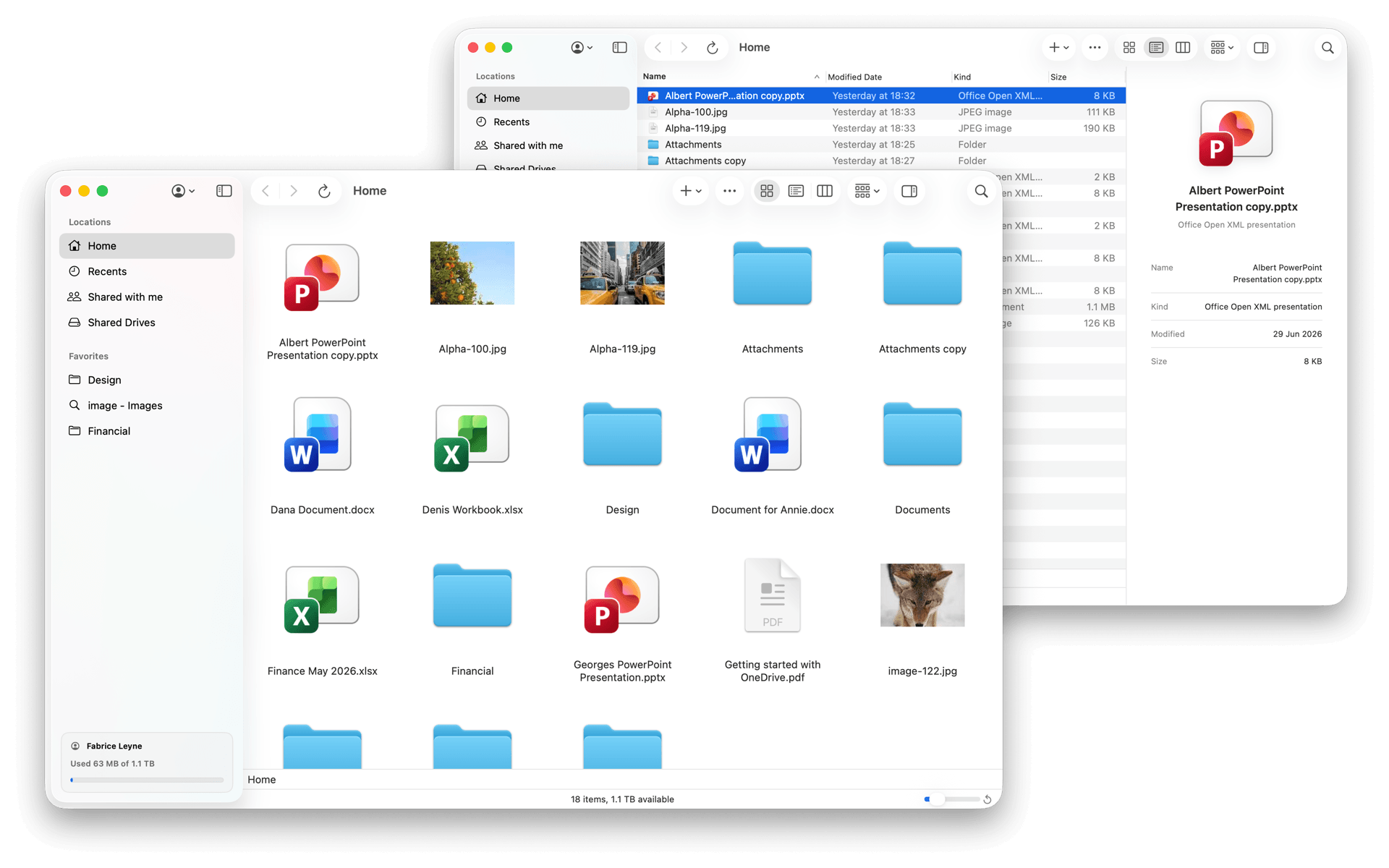
Choose Smart Access when you want a dedicated workspace. Choose Quikoo when you want cloud access to stay inside Finder.
A dedicated Mac app line for browsing, organizing, previewing, sharing, and downloading cloud files without the usual browser clutter.
A Finder extension line that brings cloud files directly into Finder on Mac.
Start with the provider you already use. Then choose whether you want a dedicated app or direct access from Finder.
Pick the experience you want on Mac.
Choose Smart Access when you want a dedicated app. Choose Quikoo when you want to stay in Finder.
Best when you want a dedicated workspace for browsing, organizing, previewing, sharing, and downloading cloud files.
Best when you want cloud files to feel built into Finder and prefer to work from the Mac workflow you already know.
Atvra tools connect through the official API of each cloud service. The connection stays between your Mac and the provider's services. Atvra does not receive or store the contents of your files.
Smart Access is the dedicated Mac app line. Quikoo is the Finder extension line. Both are built around the cloud service you already use.
The current Atvra line-up is built around Dropbox and OneDrive on Mac.
No. Atvra tools connect through the official API of each cloud service. Atvra does not receive or store the contents of your files.
No. Smart Access is designed for on-demand access. Files are not downloaded automatically, and a file is downloaded only when you explicitly request it.
Choose Smart Access if you want a dedicated app. Choose Quikoo if you want cloud access directly in Finder.
Support is available at contact@atvra.com.
Start with Dropbox or OneDrive, then choose between Smart Access and Quikoo.