 Smart Access for Google Drive
Manage Google Drive files on Mac without the browser clutter.
Smart Access for Google Drive gives you one focused Mac app for browsing, organizing, previewing, and sharing Google Drive files, while keeping files in Google Drive until you want them on your Mac.

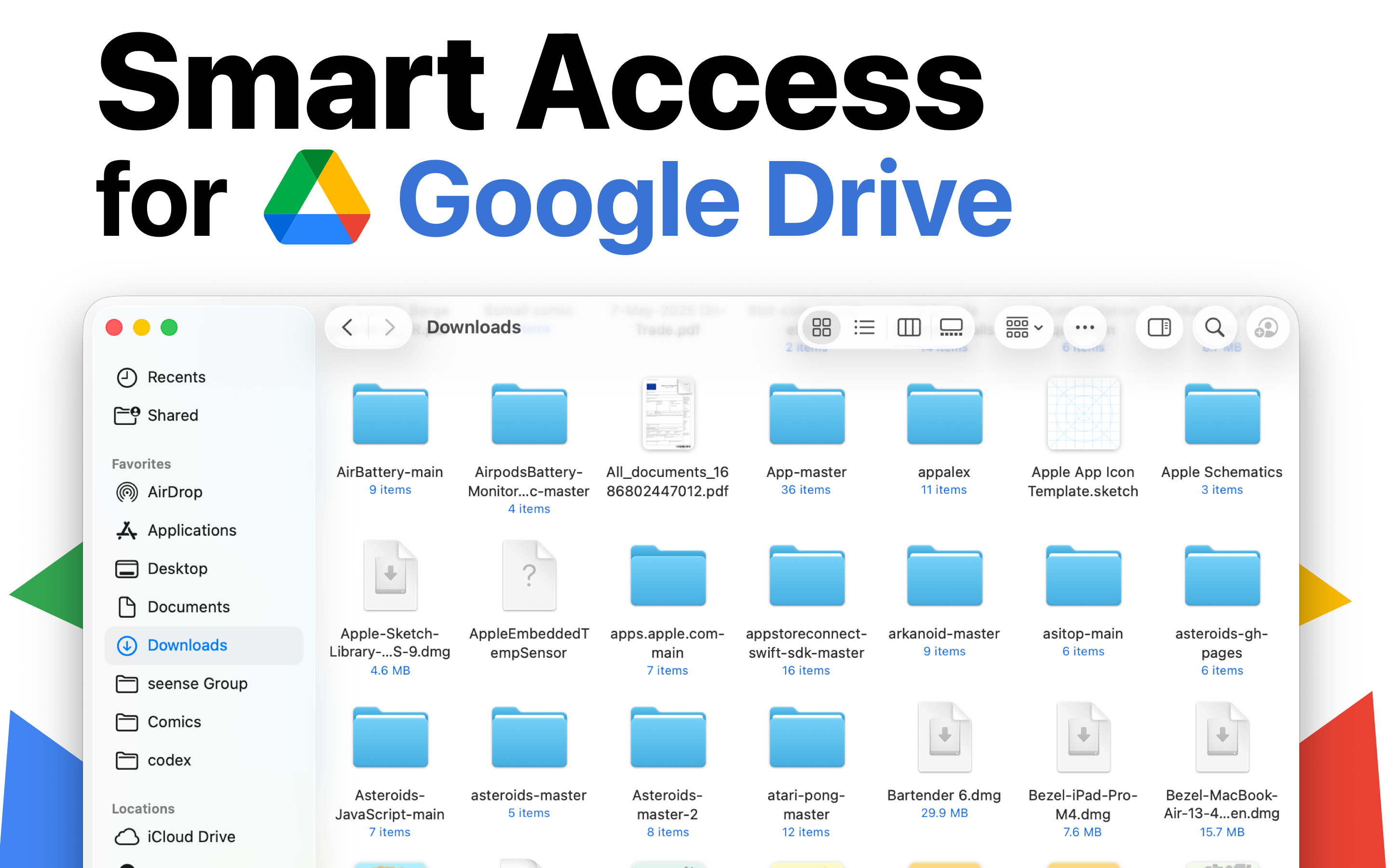
- Keep Google Drive file work in one focused place.
- Preview files before you decide what to open or download.
- Keep more local disk space free by downloading only what you need.
- Manage more than one Google Drive account in a simpler Mac workflow.
Google Drive deserves a calmer workflow.
Google Drive is useful, but managing lots of files through the browser can feel scattered. Smart Access for Google Drive gives Mac users a cleaner place to browse folders, organize files, and stay on top of their work without juggling tabs and windows.
Stay on top of everyday file work.
Browse, search, preview, rename, move, duplicate, share, and organize your files from one focused Mac app. When it is time to work on a document, open it through the usual Google flow and keep moving.
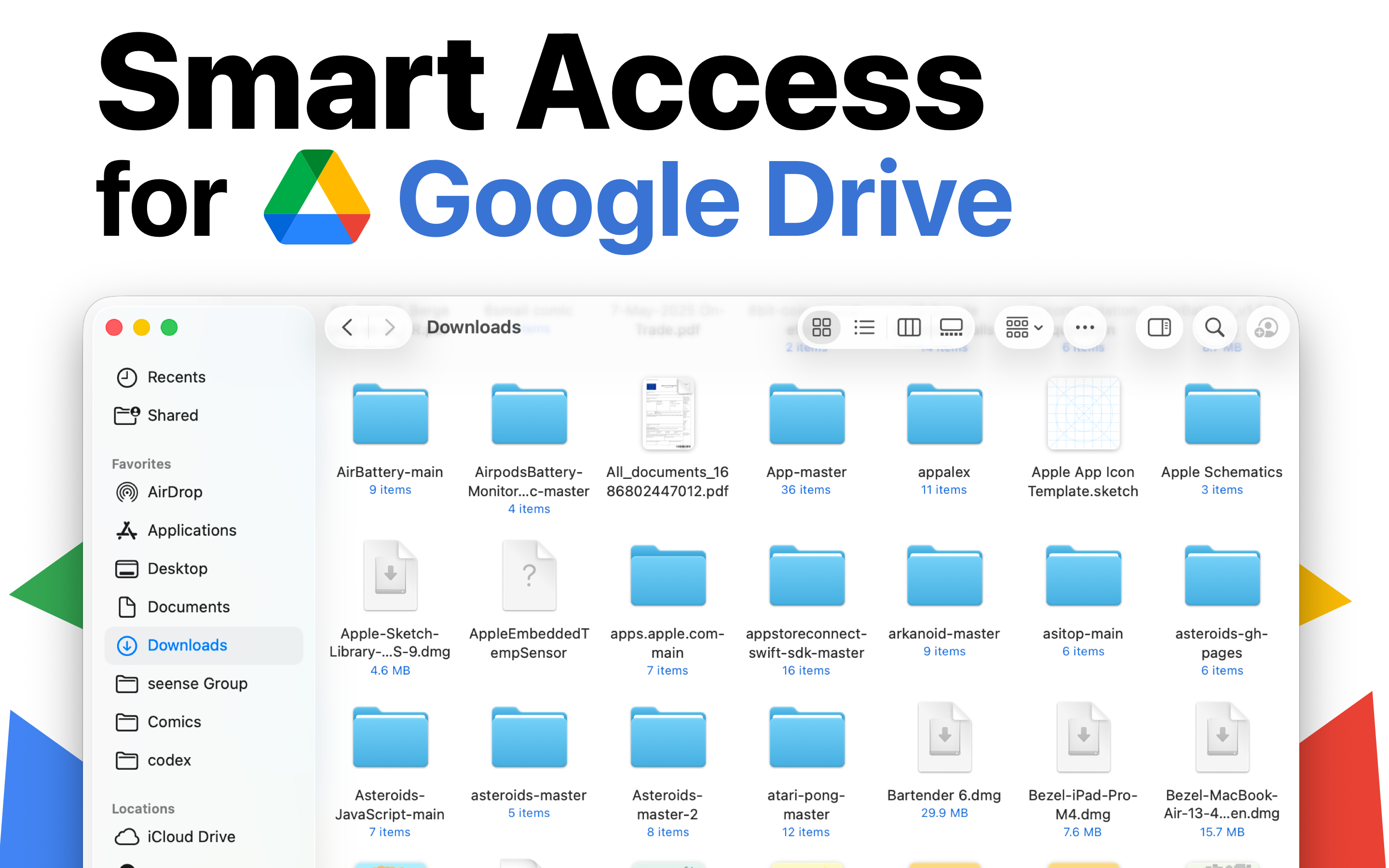
Keep control without downloading everything.
Files stay in Google Drive until you decide you want them on your Mac. That keeps file management lighter, helps save disk space, and lets you choose what actually needs to live locally.
Direct connection. Clear boundaries.
Smart Access for Google Drive connects through the official Google Drive API. Your data stays local to you, and Atvra does not run a third-party backend that proxies or stores your files.
FAQ
Why not just use Google Drive in the browser?
Because the browser is often where file work starts to feel scattered. Smart Access for Google Drive gives you a more focused Mac workflow for browsing, organizing, previewing, and sharing.
Will this download everything to my Mac?
No. Files stay in Google Drive unless you choose to download them.
Can it help save disk space?
Yes. Because files stay in Google Drive until you choose to download them, you do not have to keep everything stored on your Mac.
Can I connect more than one account?
Yes. Smart Access for Google Drive lets you browse and organize more than one account in one Mac workflow.
How do I open a Google document?
You open it through the usual Google web flow, either in your browser or inside the app's internal browser.
How is my data handled?
The app uses the official Google Drive API. Data stays local to the user and there is no third-party Atvra backend used to proxy or store files.
Manage Google Drive with less clutter.
Use a focused Mac app for browsing, organizing, previewing, and sharing Google Drive files while downloading only what you need on your Mac.